Describe the part you need
Plain words in, a real parametric CAD model out. Built and checked in a sandbox, then yours to tune with sliders and download as STL or STEP.
How it works
- 1
Describe
Type what you need in plain words. If something is unclear, you get a short question with a recommended answer.
- 2
Check
The part is built and tested against its own checklist: fits, clearances, wall thickness, one solid body.
- 3
Tune and export
Move the sliders to adjust dimensions, then download STL or STEP.
Pricing
One credit is one part. Sliders, questions and retries are free.
Free
Try it.
$0
- 4 credits at signup
- Preview only
Hobby
A few parts a month.
$15 per month
- 25 credits per month
- STL export
Maker
Parts every week.
$49 per month
- 80 credits per month
- STL and STEP export
Pro
Parts every day.
$119 per month
- 250 credits per month
- STL and STEP export
Top-up
25 extra credits, no subscription.
25 extra credits, no subscription.
$15
Questions
- What does Type Parts make?
- A parametric CAD model of the part you describe. You type the part in plain words, the model is built and tested in a sandbox, and you get a 3D preview with sliders for its dimensions. Download it as STL for 3D printing or STEP for your CAD software.
- Is there a free plan?
- Yes. One part is free with no account, and signing up gives 4 more credits. The free plan previews only: STL export starts on Hobby and STEP export on Maker.
- What is a credit?
- One credit is one part. Moving the sliders, answering a clarifying question and retrying a failed build are free. A change asked for in chat costs 1 credit. If the builder cannot make the part, or the result is not what you asked for, the credit is refunded.
- What is a parametric model?
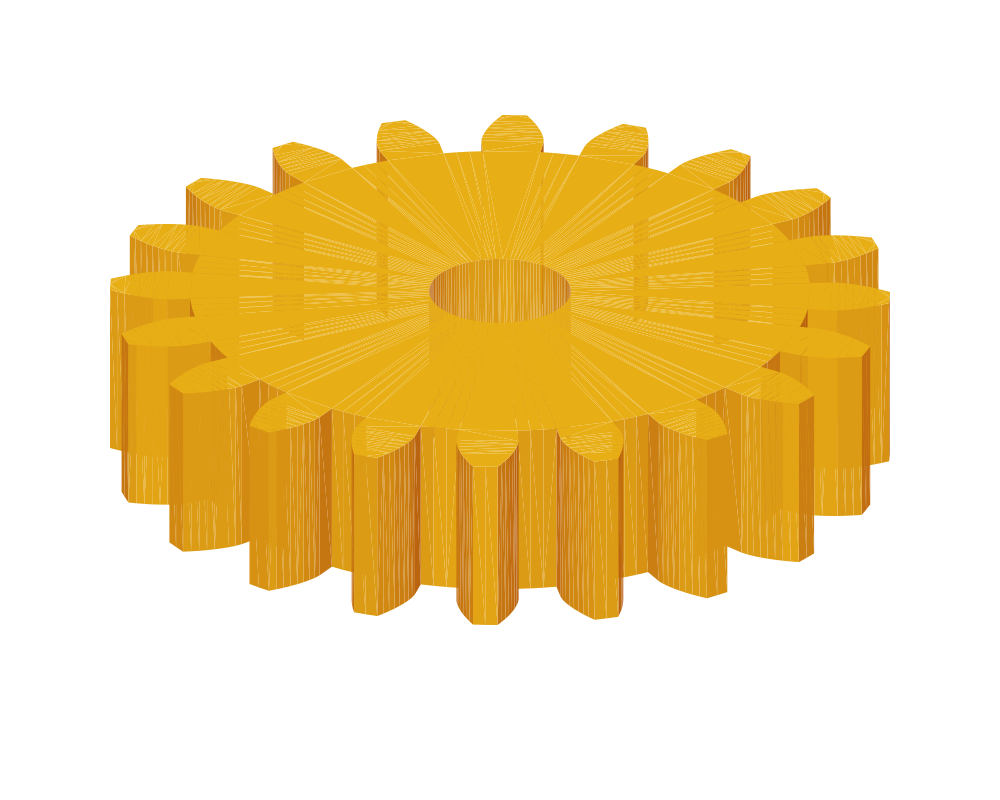
- A model whose dimensions are named parameters rather than fixed numbers. A gear's tooth count, module and bore stay adjustable after the build: move a slider and the part rebuilds and is checked again, so one description gives you a whole family of parts.
- What gets checked?
- Each part carries its own checklist: fits, clearances, wall thickness and one solid body. Every build runs it and shows what passed and what failed before you download anything.
- STL or STEP?
- STL is a mesh and goes straight into a slicer for 3D printing. STEP is the exact geometry and opens in Fusion 360, FreeCAD, SolidWorks or Onshape for further work. Assemblies export as a zip of STL files or as one STEP file.