LearnSTL, STEP and CNC
CAD for CNC: what your machinist needs from you, and the tools that deliver it
CNC shops want a STEP file with real radii, reachable features and a tolerance note. Here is what to send, and which CAD tools produce it, ranked by job.
· 10 min read
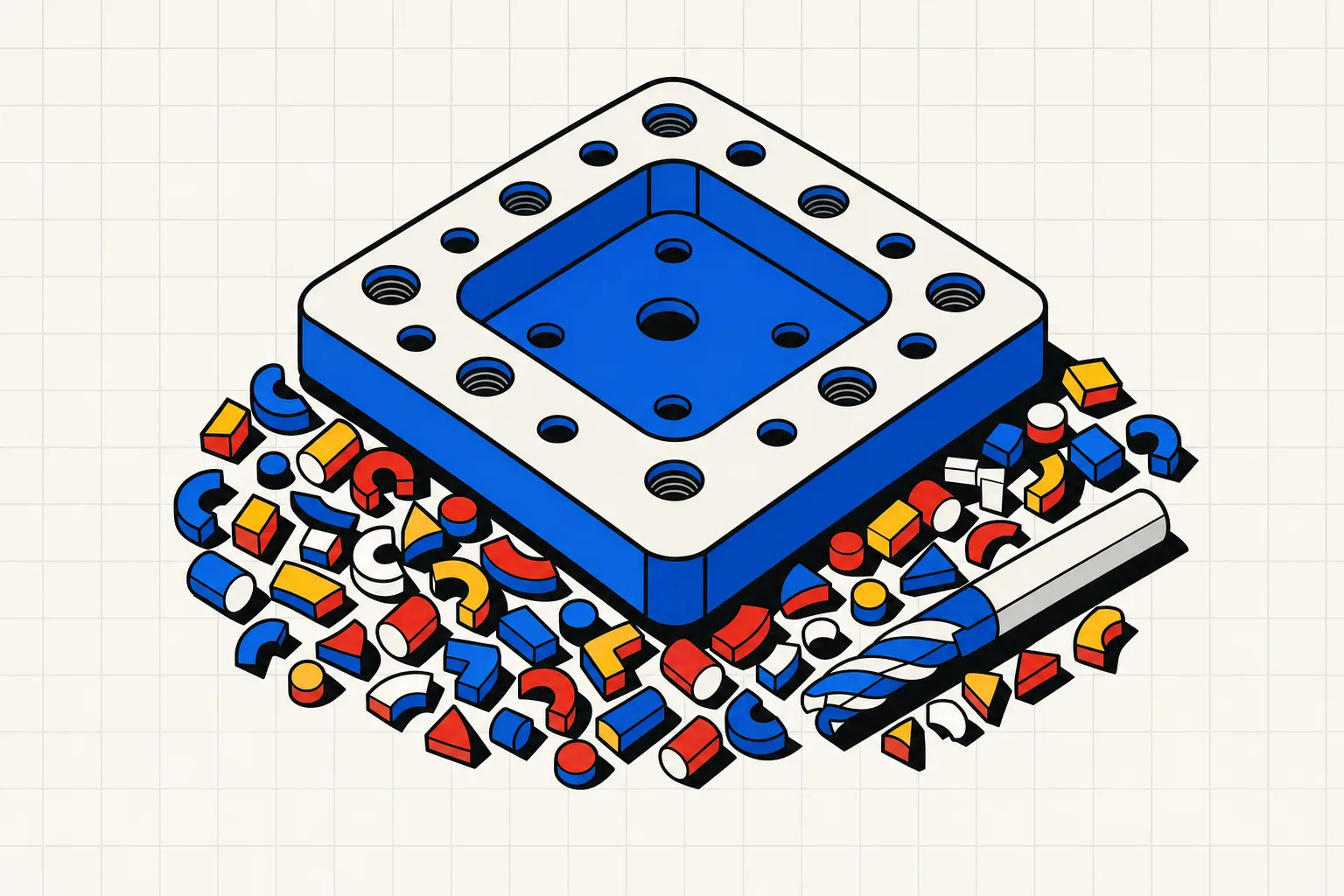
Any CAD program that exports STEP will do for CNC work. What separates a good file from a bad one is the geometry inside it: real fillets sized to a cutter, features a tool can reach, and one note about tolerances. Pick the tool by the job, then send STEP, not STL.
For CNC machining you need CAD software that exports a solid model as STEP. STL is a mesh of triangles and most machine shops refuse it for CNC. Protolabs Network says STL and OBJ "lack the precision required by our suppliers", and Fictiv says CNC parts "require parametric models". Beyond the format, the model has to be machinable: inside corners need a radius at least as large as the cutter that will cut them, deep pockets need to stay within a few tool diameters, and the feature that matters most needs a tolerance written down. Fusion, Onshape, SolidWorks for Makers, Alibre and FreeCAD all export STEP. Fusion, SolidWorks for Makers and FreeCAD also include CAM, so they can write the G-code if you run your own machine. For a one-off fixture or adapter that a shop will cut, a text-to-CAD tool like Type Parts gets you a STEP file in a few minutes with no modelling.
What your machinist needs from you
Whether you send the part to Xometry or walk it over to the shop down the street, the same five things come up.
A STEP file, not a mesh. Every major service says so in its own words. Xometry notes that "solid/Parasolid file types like STEP, SLDPRT, IPT, PRT, and SAT can quote in any process", while "mesh-based formats like STL, 3MF, and 3DXML can quote 3D printing services and urethane casting". Protolabs Network is blunter: "STL and OBJ files are not supported for CNC machining, Sheet metal or Injection moulding as they lack the precision required by our suppliers." Fictiv says the same: "only .step and some native CAD files are supported." A STEP file carries each face as an exact surface, so the shop's CAM software can put a cutter on it. An STL carries thousands of flat triangles and no idea which of them were meant to be a bore. The STL vs STEP post has the detail, and what a STEP file is covers the format itself.
Inside radii that match a real cutter. An end mill is round, so it cannot cut a sharp inside corner in a pocket. Model every vertical inside corner with a radius a little larger than half the diameter of a cutter the shop actually stocks. A 3.5 mm corner radius suits a 6 mm end mill with room to spare. A 3 mm radius forces that same tool to drag its full flank through the corner and chatter. A 0.5 mm radius at the bottom of a 20 mm pocket means a 1 mm cutter hanging 20 diameters out of the collet, which is a broken tool and a phone call. Fillets on outside edges are cheap. Fillets on the floor of a pocket need a ball or bull-nose cutter and cost more, so leave floor corners sharp unless something has to sit in them.
Nothing the tool cannot reach. On a 3-axis machine the cutter comes in from above. A T-slot or a hole drilled at an angle needs a second setup or a fifth axis, and either one changes the price. For every face of the part, ask which direction the tool would come from. If the answer is "from inside the part", split it into two pieces that bolt together.
Tolerances written down. A STEP file has no tolerances in it. The shop will machine to its own general tolerance unless you say otherwise. Protolabs Network calls technical drawings "the main source of truth by our suppliers" and says that "for parts that exceed our standard tolerances or contain threaded holes, technical drawings are required". Fictiv accepts a drawing only as a PDF next to the CAD file. A fixture does not need a full drawing. A one-page PDF that says "bore A: 10.00 H7, everything else general tolerance" is enough and saves a round of emails.
Units and one body. STEP files carry units, so a part modelled in millimetres arrives in millimetres. Check the export anyway, because an inch part read as millimetres is 25 times too small and the quoting tool will happily price it. Fictiv adds that "in almost all cases, we require CAD files to contain a singular, solid body" and that it "cannot currently quote or make parts based on assembly files". One part, one file. Xometry will take an assembly in a single STP and let you pick parts out of it, but separate files work everywhere.
CAD vs CAD/CAM
"CAD for CNC" splits into two questions, and the answer depends on who owns the machine.
If a shop cuts the part, you only need CAD. Your job ends at a clean STEP file and a tolerance note. The shop has its own CAM software and its own tool library, and it will program the toolpaths itself. Paying for CAM you will never open is wasted money.
If you own the machine, you need CAM as well. CAM takes the model, a stock size and a tool list and writes the G-code your controller runs. Fusion, SolidWorks for Makers and FreeCAD ship CAM inside the CAD package. Others split the job: Alibre Workshop bundles Atom3D with a separate CAM program, and Onshape only adds CAM on its Professional plan. Router software such as Carbide Create and Easel is CAM first, with a 2D drawing tool bolted on, and neither one imports STEP.
The trap is picking the router CAM tool because it came free with the machine and then trying to design a mechanical part in it. Those tools think in outlines and depths. A part with a press-fit bore wants a solid modeller.
Tools ranked by job
One-off fixtures and adapters
The part is a soft jaw or a plate with a hole pattern, needed once, and the hour spent modelling it costs more than the aluminum.
Type Parts is built for that. You describe the part in a sentence ("a 120 by 80 by 12 mm aluminum plate, four M6 clearance holes on a 100 by 60 pattern, a 40 by 40 mm pocket with 3.5 mm corner radii") and get back a tested parametric model with a slider for each dimension. The model is a build123d script on the OCCT kernel, so the STEP carries true planes, cylinders and fillets, not a mesh. STEP export is on the Maker plan ($49 a month, 80 credits) and the Pro plan ($119 a month, 250 credits), in USD before tax. The first part needs no account. The limits are real: no CAM, no toolpaths, no drawings, and assemblies stop at four parts. It gets you a STEP file fast and does not replace Fusion for a gearbox housing. The text-to-CAD guide explains how the generation loop checks the geometry before you see it.
Fusion for personal use is the free option if you qualify. Autodesk's terms say it is "for personal, non-commercial projects only" and "limited to individuals generating less than $1,000 USD annually". The personal tier lists "limited CAM functionality" and "limited import/export file types", so check Autodesk's comparison page before you rely on STEP export. The paid subscription is $680 a year or $85 a month at list price. If you cut your own parts on a small mill, Fusion is where most people end up.
Onshape Free runs in the browser and exports STEP. It is "non-commercial only, with public document storage", so every fixture you draw is public. Fine for a hobby. Not for a customer's part.
Production parts with drawings
Once a part will be made more than once, the drawing is the contract, and you want a tool that produces proper drawings with tolerances and thread callouts.
Onshape Standard is $1,500 per user per year with private storage and drawings, and Professional is $2,500 and "includes built-in Simulation, Rendering, CAM, and PCB design tools". It is the cleanest cloud option for a small team.
Alibre Design Professional is $999 for a permanent licence, with "production 2D drawings" and STEP, SAT, IGES and Parasolid export. Updates are optional at $350 a year. It suits a shop that does not want another subscription.
SolidWorks for Makers is $48 a year or $15 a month, excluding taxes, and includes "2.5 & 3-axis CAM". Its native files are watermarked, but Dassault says "you can export in neutral formats like .stl, .step or .iges to share or use your designs without restrictions". The catch is the revenue cap of $2,000 a year, and "there is no direct upgrade path from a SOLIDWORKS for Makers license to a commercial one". Learn on it and budget for the real thing if the parts start selling.
FreeCAD costs nothing, exports STEP and has a drawing workbench. Its CAM docs are honest about scope: "most of the CAM Tools are not true 3D tools but only 2.5D capable", and the operations "are not aware of clamping mechanisms", so simulate before you send. Expect a steeper climb than any paid tool. The Fusion 360 alternative post weighs it against the others.
CNC router hobbyists
If your machine is a GRBL router and your parts are signs and flat brackets, you may not need a solid modeller at all.
Carbide Create Core is "included free with every Carbide 3D machine". It draws in 2D, imports SVG and DXF, and writes pockets, contours and V-carves. Pro is $120 a year or $360 perpetual with a year of updates, adds 3D relief modelling and STL import, and "outputs standard G-code" for other machines. Neither version reads STEP.
Easel runs in the browser and drives the machine directly. Basic is free with one carve a week, Starter is $8 a month for 20, and Pro is $24 a month or $216 a year for unlimited carves, V-carving and 3D carving from an STL. Every plan imports SVG and G-code. No STEP import.
For flat work these are enough. The moment the part needs a counterbore, draw it in one of the solid modellers above and export the outline as DXF for the router software.
The table
| Tool | STEP export | CAM included | Price (USD) | Learning curve |
|---|---|---|---|---|
| Type Parts | Yes, Maker and Pro | No | $49/mo or $119/mo | Minutes, you type a sentence |
| Fusion for personal use | Yes, limited export list | Yes, limited | Free under $1,000/yr revenue; $680/yr paid | Weeks |
| Onshape | Yes | Professional plan only | Free (public docs); $1,500/yr; $2,500/yr | Weeks |
| SolidWorks for Makers | Yes, neutral formats unrestricted | Yes, 2.5 and 3-axis | $48/yr or $15/mo, under $2,000/yr revenue | Months |
| Alibre Atom3D / Design Pro | Yes | Separate add-on | $199 / $999 perpetual | Weeks |
| FreeCAD | Yes | Yes, mostly 2.5D | Free | Months |
| Carbide Create | No | Yes | Core free with Carbide machines; Pro $120/yr | Days |
| Easel | No | Yes | Free; $8/mo; $24/mo | Days |
Prices are list prices read on 2026-09-04 and exclude tax. Several vendors were running discounts on the day.
Which one to open tomorrow
If a shop is cutting the part and you need it once, describe it in Type Parts, download the STEP, write a one-line tolerance note, and upload it. If you own a mill and want one program for everything, learn Fusion, on the personal licence if you qualify. If the parts are going into production, get a tool with real drawings: Onshape Standard or Alibre Design Pro. If your machine is a router and your parts are flat, stay in Carbide Create or Easel. Pricing for Type Parts is on one page, and the first part is free.