LearnSwitching tools
Fusion 360 alternatives for hobbyists who are done with the free tier
Fusion's personal license caps you at 10 active documents and a 3-year term. Here are the alternatives for brackets and adapters, priced and compared.
· 9 min read
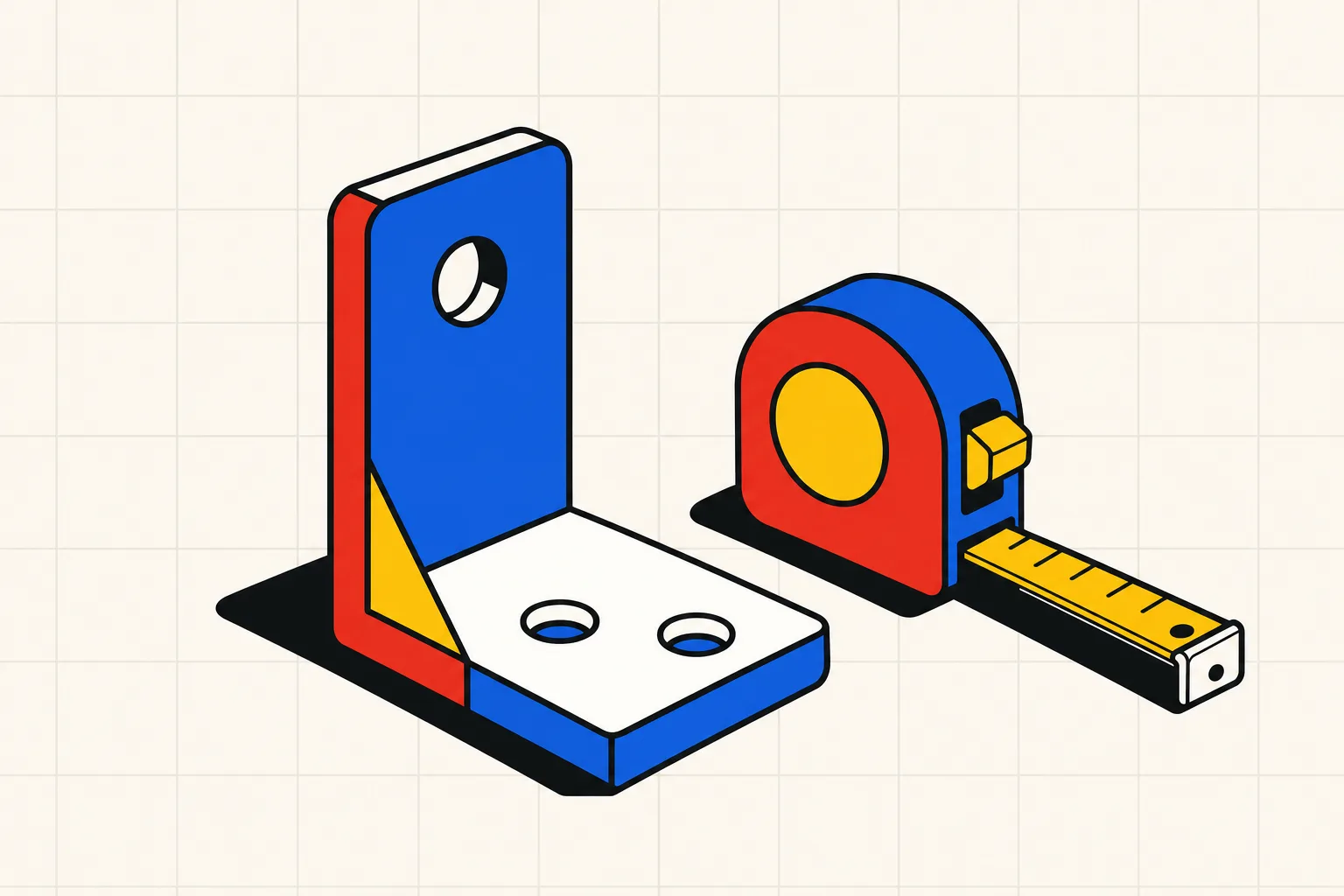
If you used Fusion for brackets, adapters and enclosures, the closest free replacement is FreeCAD, and the one that feels most like Fusion is Onshape's free plan, provided you accept that every document is public. If you want to own the software outright, Alibre Atom3D costs $199 once. If you never wanted to learn CAD at all, a text-to-CAD tool will hand you a parametric bracket from a sentence.
What changed in Fusion's free tier
Autodesk announced the current limits on September 25, 2020. They took effect on October 1, 2020, and the document cap followed on January 19, 2021. Here is what Autodesk Fusion for personal use allows today, from Autodesk's own pages:
- 10 active documents. Store as many designs as you like, but only 10 are editable at once. An assembly counts as one document and each referenced part as another.
- 3-year term. The free license is a 3-year subscription. When it runs out, you renew it.
- Under $1,000 USD a year. Home-based, non-commercial projects only. Earn more than $1,000 a year from your work, or use it at your job, and you must move to a paid subscription.
- Export still works. STEP export was on the chopping block in 2020. After the backlash Autodesk kept it, along with STL.
- Drawings are single-sheet, print only. No exploded views, no batch printing.
- CAM is 2, 2.5 and 3 axis only, with no automatic tool changes and no rapid moves.
- No simulation, no generative design, no cloud rendering, no extensions. Forum support only.
- Electronics: 2 sheets per schematic and 4 signal layers.
The paid product is $85 a month or $680 a year at list price, $510 during the 25 percent sale Autodesk ran from September 4 to 21, 2026, when this was written. That is the number the Reddit thread was angry about. The original poster of "Best alternative to Fusion 360 (this is getting ridiculous)?" had hit the 10-document limit without realising it and wrote "I'd honestly be happy to pay for a hobbyist license. But I can't justify $550 USD / year." Seven hundred comments later, the same handful of tools kept coming up.
What a bracket-and-adapter person actually needs
Most hobbyists never opened the CAM workspace. The job was a sketch, an extrude, holes at the right spacing, a fillet, and a clean STL for the slicer. Sometimes a STEP for a friend with a mill. Judge every alternative on that job. Constrained sketches, a parametric history and reliable STEP export are the whole point.
The alternatives, judged on that job
FreeCAD
FreeCAD is open source, runs on Windows, Mac and Linux, reads and writes STEP, IGES, STL, SVG, DXF and OBJ, and asks for nothing. The project's own line is "No sign-up, no paywall, no restrictions." Version 1.0 shipped on November 19, 2024. Version 1.1 followed on March 25, 2026, with draggable fillet and chamfer handles.
On the Prusa forum one user called it "extremely powerful and it's sadly quite difficult to learn." Another who migrated from Fusion wrote: "I've learnt many Fusion360-isms that I now have to unlearn to use FreeCAD effectively." For brackets and adapters, FreeCAD does everything Fusion did. Budget a weekend of swearing at the sketcher. If you are weighing it against OpenSCAD, read OpenSCAD vs FreeCAD vs text-to-CAD.
Onshape
Onshape runs in the browser and its free plan is fully featured for parts, assemblies, drawings and sheet metal. Onshape's own pricing page spells out the trade: "Onshape Free – For hobbyists and learners. Non-commercial only, with public document storage." Anyone can find and copy your work. The first paid tier is Standard at $1,500 per user per year, with nothing cheaper in between.
On the job itself, Onshape is the closest thing to Fusion. It was the Reddit thread's most repeated answer, and the Prusa thread opens with "I've recently made the move from Fusion 360 to Onshape and have no regrets." It needs an internet connection every time. If that bothers you, skip to Solid Edge or Alibre.
Solid Edge Community Edition
Siemens gives away Solid Edge Community Edition for "makers and hobbyists practicing their craft for personal satisfaction, not monetary gain," with "a license that never expires." It is a full parametric modeler with parts, assemblies, sheet metal and simulation, installed on your PC. Files created in it cannot be opened in the commercial version, and 2D drawings are watermarked. Parts and assemblies can still be 3D printed. It is Windows only, and Siemens' requirements page says "Windows Home Edition is not supported." Export formats are not stated on the Community Edition pages, so confirm STEP before you commit. It is a lot of software for zero dollars, and the learning curve is closer to Fusion than to FreeCAD.
SolveSpace
SolveSpace is a small open-source parametric CAD, GPL v3, with official builds for Windows and macOS and Flatpak on Linux. It sketches with constraints, extrudes, revolves, does booleans and patterns, and exports STL and STEP. Fillets exist only in the sketch, so a rounded bracket means drawing the rounds before you extrude. Good for simple adapters, frustrating once you want cosmetic edges.
Alibre Atom3D
Alibre Atom3D is for people who want to buy software once. The buy page says "Own it. Licenses don't expire." The license is $199, with an optional one-year update plan at $50, or $249 for both. It is a history-based parametric modeler installed on your PC, and Alibre's compare table lists STEP, SAT, STL, OBJ, DWG, DXF and SVG export. A Prusa forum user who has run it for years wrote that it "resides on your PC so you don't need to be online to use," and that it "doesn't do everything that Fusion does, but for my purposes it has worked very well." Windows only, per Alibre's requirements page.
Plasticity
Plasticity is direct modeling with no timeline. You push and pull faces and edges on clean Parasolid geometry. Indie is $175 plus local taxes, a perpetual license with 12 months of updates, commercial use allowed, on up to 2 machines. It exports STEP, OBJ, STL, Parasolid and 3MF. Studio is $299. Runs on macOS, Windows and Linux.
For brackets and adapters, the missing timeline is the cost. Change a hole spacing three weeks later and you are dragging faces around. Blender people love it. Fusion timeline people usually do not.
Shapr3D
Shapr3D's free plan gives you 2 projects, and "with a free plan, you can export low-res STL for 3D printing." STEP export and unlimited projects need Pro at $299 a year, excluding VAT. It runs on macOS, iPadOS, Windows and visionOS and works offline. The iPad and pencil workflow is the reason to pick it. Treat the free plan as a trial.
Type Parts
Type Parts is the describe-it option. You type the part with dimensions: "L-bracket, 60 by 40 mm, 4 mm thick, two 5 mm holes 30 mm apart on the long leg." The model writes a build123d script with named parameters and checks, a sandbox runs it, and you get a tested model with sliders. Move a slider and the script re-runs free. Download STL or STEP.
The limits are real. Mechanical parts only, single parts and assemblies up to 4 parts. You get one free part with no account and 4 credits at signup. Hobby is $15 a month for 25 credits with STL export. Maker is $49 a month for 80 credits with STL and STEP. Pro is $119 a month for 250 credits. Prices are USD before tax. Nothing here replaces Fusion for someone modeling a gearbox. For the person who opened Fusion twice a month to make an adapter, it removes the CAD entirely. The text-to-CAD guide explains how the script-and-check loop differs from mesh generators.
Side by side
| Tool | Parametric history | Works offline | Price | STEP export | Learning curve |
|---|---|---|---|---|---|
| Fusion for personal use | Yes | No, cloud login | Free, 10 active docs, 3-year term, under $1,000/yr revenue | Yes | Medium |
| FreeCAD | Yes | Yes | Free, open source | Yes | Steep |
| Onshape Free | Yes | No, browser only | Free, all documents public, non-commercial | Yes | Medium |
| Solid Edge Community | Yes | Yes | Free, never expires, files locked to this edition | Not stated | Medium |
| SolveSpace | Yes | Yes | Free, GPL v3 | Yes | Low, but few tools |
| Alibre Atom3D | Yes | Yes | $199 once, $50/yr updates optional | Yes | Medium |
| Plasticity Indie | No, direct modeling | Yes | $175 once plus tax, 12 months of updates | Yes | Low for Blender users |
| Shapr3D | Yes | Yes | Free tier: 2 projects, low-res STL. Pro $299/yr | Pro only | Low |
| Type Parts | Yes, sliders from a script | No, web app | 1 free part, then $15/mo Hobby | Maker $49/mo and up | None |
The best free alternative to Fusion 360
The best free alternative to Fusion 360 for hobbyists is FreeCAD. It is open source, runs offline on Windows, Mac and Linux, keeps a full parametric history, and exports STEP and STL with no document cap, no revenue test and no expiry. The price is a steeper learning curve than Fusion, and every forum thread says so. If you want something that feels like Fusion on day one, Onshape's free plan is the closest match, on the condition that every document is public and non-commercial. Solid Edge Community Edition is a third free option for Windows users who want a full desktop modeler, with files that cannot move to the commercial version. For the simplest parts, brackets and adapters with a few holes, a text-to-CAD tool like Type Parts skips the learning curve and gives you one free part with no account. Pick FreeCAD if you plan to keep designing, Onshape if you want to be productive this afternoon.
Which one to pick
- You want Fusion back, free, and you do not mind public files: Onshape.
- You want to own it, offline, forever: Alibre Atom3D at $199, or FreeCAD at $0 if you will put in the hours.
- You are on Linux: FreeCAD or SolveSpace.
- You model on an iPad: Shapr3D, and budget for Pro if you need STEP.
- You make adapters and brackets and never enjoyed CAD: describe the part and download it. Start with the free one.
Coming from blocks rather than from Fusion? Read Tinkercad alternatives. For a wider survey of what is free this year, see free CAD software for 3D printing. If a machinist asked you for STEP, CAD for CNC covers what the shop needs.