LearnSTL, STEP and CNC
How to edit an STL file (and why regenerating the part is usually faster)
Four honest ways to edit an STL, the triangle limits where each one breaks, and the faster route: describe the part and regenerate it.
· 9 min read
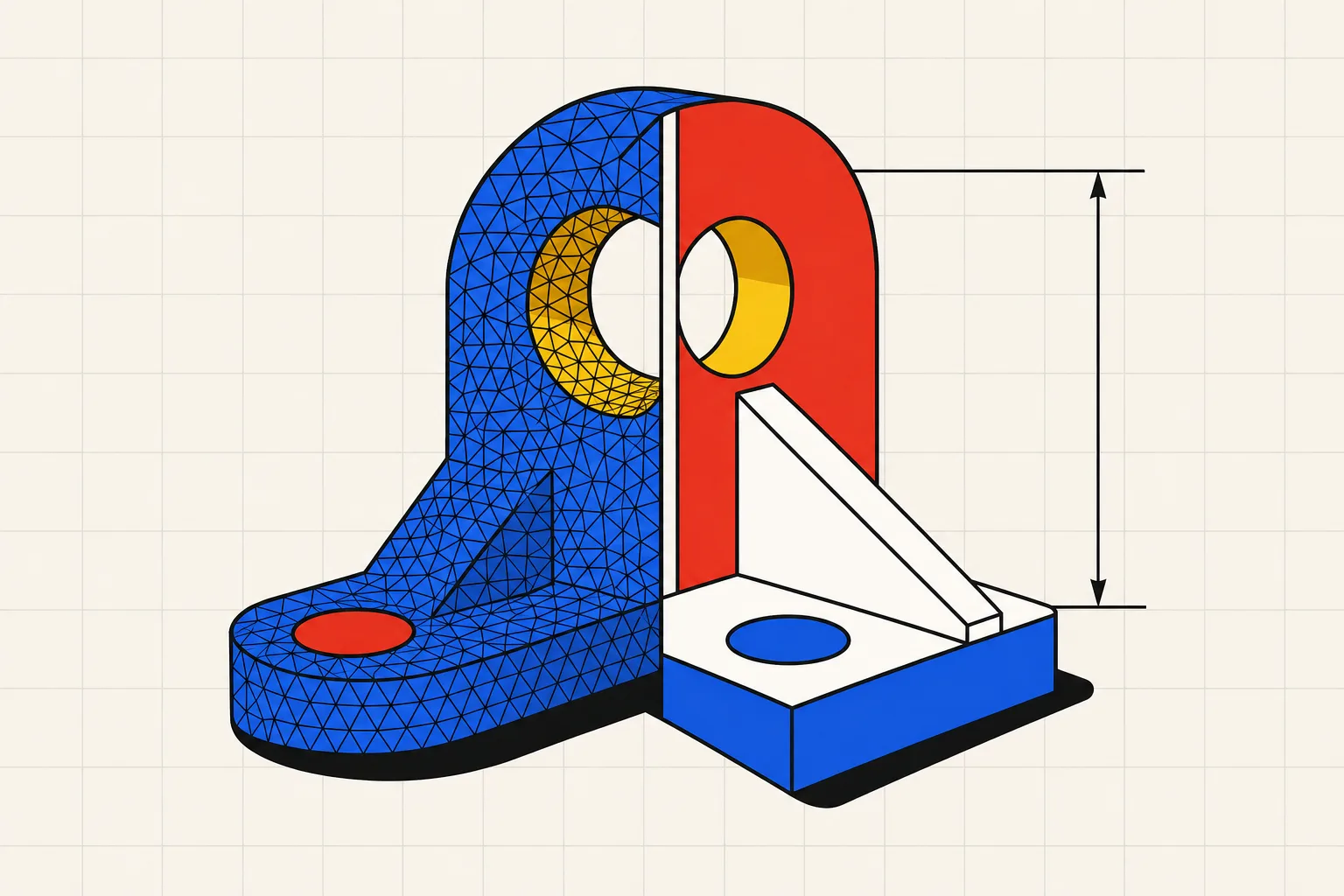
You can edit an STL file in Tinkercad, Blender, Fusion or FreeCAD, but every one of them is working on a pile of triangles. None of them can see a part. Small changes like cutting a hole or scaling one axis are quick. Changing a wall thickness or a hole diameter on a detailed mesh is slow and messy in every tool. If you know what the part is, describing it and regenerating it as a parametric model is usually faster than surgery on the mesh.
To edit an STL file, open it in a mesh editor and work on the triangles directly. Tinkercad imports STL files under 25 MB, with a 300,000-triangle ceiling reported from its import error, and lets you add or subtract simple shapes. Blender imports any STL and gives you edit mode, the Boolean modifier for cuts and joins, and Decimate to reduce triangle counts. Fusion and FreeCAD can convert a mesh to a solid body, but Autodesk says the conversion works optimally under 10,000 faces, so a typical downloaded model, at around 200,000 triangles, fails or crawls. If the file is broken rather than wrong, a free repair tool such as Formware's online STL repair fixes holes and flipped normals. None of these routes gives you back the dimensions, features or history of the original CAD model. For a mechanical part, the faster route is to describe it with the changed dimension and regenerate a clean parametric model, then export a fresh STL.
Why STL is hard to edit
An STL file stores the surface of a part as a list of triangles. Each triangle is three points and a normal. There is no cylinder, no hole, no fillet, no "this face is 40 mm from that face". A 6 mm bore that a CAD program stores as one feature becomes a ring of 60 or 200 flat strips, and the 6 survives only as the spread of those points.
The tool cannot grab "the hole" because there is no hole. It can only move, delete or add triangles. Every dimension you want to change is implied by geometry, never stated. The comparison in STL vs STEP covers what each format keeps and what it throws away.
The rule of thumb follows from that. Edits that add or remove volume with a simple shape (drill a hole, cut a slot, chop off a corner, scale the whole thing) are fine on a mesh. Edits that change a dimension of something already there (thicker wall, bigger bore, longer arm) are not, because the triangles that define it have to be rebuilt by hand.
The four honest routes
Tinkercad for small meshes
Tinkercad imports STL files. Its help page on importing 3D models says the file must be STL or OBJ and under 25 MB. There is a second limit on the mesh itself, which Tinkercad does not publish: users report an in-app error saying the shape's mesh is too complex and that meshes are limited to 300,000 triangles. Inside those ceilings, drop the imported shape on the workplane, add a cylinder set to "hole", align it and group. Scale on one axis with the handles.
The imported mesh arrives as one opaque shape. The same help page says imported models cannot be ungrouped into separate parts. You can add to it and subtract from it, and that is all. For a downloaded bracket that needs one more mounting hole, that is enough. For a part that needs a thicker wall, it is not.
Blender for anything mesh-shaped
Blender is the most capable free STL editor because meshes are its native object. File, Import, STL loads the file. Leave Validate Mesh on: the manual says it fixes corrupt data, and that with it disabled, erroneous data may cause crashes.
Three tools cover most edits:
- Edit mode exposes every vertex, edge and face. Select a ring of faces and move them, delete a region and fill it, or extrude a surface outward. On a typical downloaded mesh of around 200,000 triangles you are moving thousands of points at once, and precision comes from your eye.
- The Boolean modifier joins, intersects or cuts one mesh with another. Model a cylinder at the diameter you want, place it, apply a Difference boolean, and you have a hole. The manual warns that only manifold meshes are guaranteed to give proper results, and that the Manifold solver will not work at all on non-manifold meshes. Repair first if the boolean fails.
- The Decimate modifier reduces the face count with minimal shape changes. This is the tool that gets an oversized mesh under Tinkercad's or Fusion's limits.
Blender has no triangle ceiling you will hit with a printable part. Its ceiling is the missing dimensions. Nothing in Blender knows that a bore is 6 mm. You measure, move, and measure again.
Fusion or FreeCAD mesh-to-solid, for simple prismatic parts
Both programs can turn a mesh into a solid body that their normal tools can cut, fillet and sketch on. It works on blocky parts with low triangle counts and fails on everything else.
In Fusion, the tool is Convert Mesh on the Mesh tab. The help page describes two methods. Faceted converts each face on the mesh to a face on the solid, so a 200,000-triangle mesh becomes a 200,000-face solid. Prismatic merges groups of faces in prismatic features into single faces, and is the one that produces something you can sketch on. Autodesk's support article on the missing option says a personal-use license does not include it. Its article on failed conversions lists a mesh with over 10,000 triangular faces as a cause of hangs and crashes, says conversion works optimally under 10,000 faces, and offers two fixes: simplify the mesh with Reduce first, or rebuild the part with modeling tools. A watertight mesh converts to a solid. A mesh with holes converts to a surface body you then have to stitch closed.
In FreeCAD, the Mesh workbench imports the STL and can evaluate and repair it. The Part workbench then runs Create shape from mesh, optionally Refine shape, then Convert to solid. FreeCAD's own import guide describes the imported model as "just an assembly of faces", and Refine shape only removes unnecessary edges from planar and cylindrical faces. Every triangle that is not coplanar with its neighbour stays a separate face, so a curved surface keeps thousands of them. If the mesh is not closed, the conversion stops with "cannot convert because shape is not a shell" and the wiki sends you to a third-party repair tool.
For a block with a few flat holes and a few thousand triangles, mesh-to-solid gives you something workable. For a typical downloaded or scanned file of around 200,000 triangles, you are twenty times over Autodesk's guidance, and FreeCAD hands you a solid with as many faces as the mesh had triangles.
Repair tools, when the mesh is broken rather than wrong
Sometimes the slicer refuses the file, or shows holes, because the mesh has gaps, flipped normals or overlapping shells. That is a repair job, and the tools for it are free.
Formware's online STL repair accepts binary and ASCII STL files in the browser, no install, and deletes files after download or after six hours. Formware states the tool will stay free. Blender's Validate Mesh on import and FreeCAD's Evaluate and repair mesh cover the same ground offline.
Two tools that older guides still recommend are frozen or gone. Autodesk's listing for Meshmixer says it is no longer in development and will not be supported, with no current plans to retire it, so existing installs keep working. Microsoft's list of removed Windows features says that as of July 2024, 3D Builder is no longer supported and was removed from the Microsoft Store.
Converting STL to STEP does not give you a CAD model
People search for "stl to step converter" hoping the file format is the problem. The format is fine. A STEP file can hold true cylinders, planes and feature relationships, and that is what makes it editable, as explained in what a STEP file is. A converter cannot invent that information from triangles.
A converter does the faceted conversion described above in a different wrapper. Each triangle becomes a planar face, the faces are sewn into a shell, and the shell is written out with a .step extension. Your cylinder is still a ring of flat strips. Your hole still has no diameter. Open the result in any CAD program and you get a solid with 200,000 faces that you can view, measure and slice, but not edit any better than the STL. Some converters add a reconstruction pass that hunts for planes and cylinders. That is the same bet Fusion's Prismatic method makes, with the same failure on anything organic or detailed.
If a machine shop asked for STEP, they want real faces their CAM software can pick a bore and a plane from. A converted STL will load, and they will send it back.
The alternative: describe the part and regenerate it
Most STL edits start with knowledge the mesh threw away. You know what the part is. It is a shelf bracket, 80 by 60 mm, 4 mm thick, two 5 mm holes, and you want 6 mm holes and a 5 mm wall. Every route above makes you express that knowledge as vertex surgery, and ends with a mesh that has forgotten the numbers again.
That is what text-to-CAD tools do: they take the description directly. You type the part in plain words with the changed dimension and get a fresh parametric model. On Type Parts, it comes back with sliders, so the hole diameter and wall thickness you wanted to change are now the parameters you drag. The model is tested before you see it, and downloads as STL for the slicer or STEP for the shop, with real faces and real dimensions. One part is free to try without an account, as a preview. STL export starts on the Hobby plan at 15 USD per month and STEP export on the Maker plan at 49 USD per month, prices before tax.
The limit is real too. Type Parts does not import or convert your STL. If the file is a scanned face or a figurine, no sentence captures it, and Blender is the right tool. The regenerate route wins for mechanical parts: brackets, adapters, mounts, knobs, spacers, housings, anything you can describe with dimensions. Those are also the parts that most need the dimensions kept, because the next edit is coming. The design rules for making that regenerated part print well are in how to design for 3D printing.