LearnAI CAD generation
AI 3D model generators for functional parts: mesh tools vs parametric CAD
Meshy, Tripo, Rodin and Hunyuan3D make figures, not brackets. Why a mesh cannot hold an 8 mm hole, which tool to pick per part type, and what to check.
· 8 min read
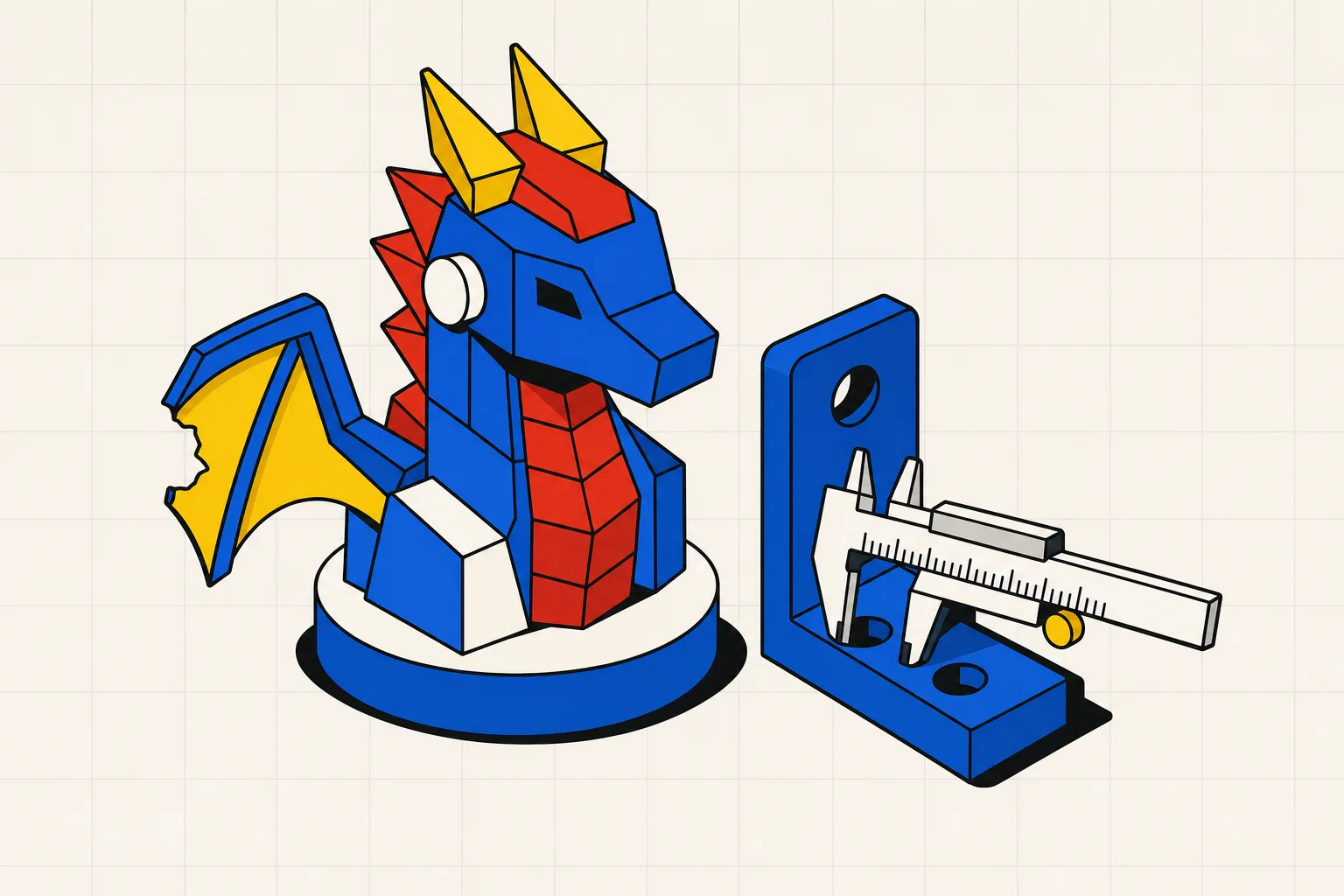
Most AI 3D model generators produce a triangle mesh from a prompt or a photo. That is the right output for a dragon bust and the wrong output for a bracket with four M4 holes. If you want figures, use Meshy or Tripo. If you want a part that has to fit something, use a text-to-CAD tool that writes real geometry with real dimensions.
AI 3D model generators like Meshy, Tripo, Rodin and Hunyuan3D can make printable models, but not functional parts. They output a mesh: a skin of triangles with no dimensions, no true cylinders and no feature tree. Ask for an 8 mm hole and you get a polygon ring at whatever scale the model picked. Meshy's own testing found 55% of its figurine exports fully watertight, and Meshy states that mechanical parts "can challenge AI generators" and that parametric tools remain the better choice. The roundup at 3dprinting.com says the same: functional, dimensioned parts "still belong to CAD." For figures, miniatures and decor, a mesh generator is the fastest route to a print. For brackets, adapters, gears and enclosures, use a text-to-CAD tool that generates parametric geometry, checks it, and exports STL and STEP. Whatever tool you use, check manifold, scale and wall thickness before slicing.
Why mesh generators make statues, not brackets
Every tool in the mesh category, from Meshy to the open-source Hunyuan3D, works the same way at the output end. The model predicts a shape and hands you a surface made of triangles. A renderer is happy with that. A slicer can usually cope with it. A part that has to bolt onto something cannot.
No dimensions. A mesh has vertices at coordinates, and that is all. There is no "this hole is 8.00 mm" anywhere in the file. The 3dprinting.com roundup puts it plainly: "AI output arrives at an arbitrary scale, so set real millimetres and sanity-check the bounding box in your slicer before printing." Scaling the whole model to make one hole right changes every other feature with it.
No true cylinders. In a CAD solid, a hole is a cylinder with a radius. In a mesh, it is a ring of flat facets that approximates one. Print it and an M8 bolt binds on the corners, or rattles if the model rounded the other way. You cannot type a new diameter, because there is no diameter to type.
Non-manifold output. Meshy tested 75 of its own models and reported that 55% came out fully watertight, with the rest carrying "minor holes (typically 1–3) at fine detail endpoints like hair tips and fingers." That is fine on a figurine. On a bracket, a hole in the mesh becomes a hole in the wall, or a slice that fails outright.
No STEP. Meshy, Tripo and PrintPal export STL and OBJ, and Meshy's comparison table lists the same for Rodin. Some add 3MF or FBX. None of them export STEP, because a mesh has no solid to describe. That matters the day you want to change one dimension, send the part to a machine shop, or open it in Fusion. The STL vs STEP guide covers what each format keeps and drops.
The vendors agree. Meshy's own 2026 comparison says mechanical parts "can challenge AI generators, which are trained predominantly on organic forms," and that for precision CAD parts "traditional parametric tools remain the better choice." The 3dprinting.com guide lists "brackets, threads, snap-fits, enclosures, anything that must mate with something else" under "Not yet" and points readers to text-to-CAD instead.
The tools, ranked by what you are printing
The right tool depends on the part, so this list is split three ways. Prices are from each vendor's pricing page, read in September 2026 (Tripo's through an August 2026 snapshot, since its site blocks automated readers), and are USD, tax-exclusive. Credits per model vary by tool, so check the per-model cost, not the monthly headline.
Organic figures, miniatures, busts
1. Meshy. The most printing-aware mesh generator. It exports STL, OBJ, 3MF, FBX, GLB, USDZ and BLEND, runs a printability check on every export, and sends models straight to Bambu Studio or OrcaSlicer. In Meshy's own test set, character models reached a 97% slicer pass rate. Free plan: 100 credits a month under a CC BY 4.0 license. Pro: $20 a month for 1,000 credits. The 3dprinting.com roundup puts a full generation at around 20 credits, so the free tier is about five models.
2. Tripo. Fast, with clean topology and an auto-repair pass before export. Exports USD, FBX, OBJ, STL, GLB and 3MF. As of August 2026, the free plan is 200 credits a month, roughly 13 models, non-commercial. Pro is $19.90 a month for 3,000 credits, about 200 models, with commercial use.
3. Hunyuan3D. Tencent's open-source generator. Free to run on your own GPU: about 6 GB of VRAM for shape only, 16 GB with textures. The output is a trimesh object you save to GLB or OBJ, so you convert to STL yourself. No credits, no download fees, nothing leaves your machine. Setup is the price you pay.
Decorative objects and props
1. Rodin (Hyper3D). The best-looking surfaces in the category, with 4K PBR textures and partial edits. Generation is free, and you pay when you confirm a result: $1.50 per direct credit, or a Creator plan at $30 a month for about 60 models. Meshy's test scored Rodin lowest on watertightness, so budget repair time. It exports OBJ, FBX, GLB and STL, according to Meshy's comparison table.
2. PrintPal. Built for makers who print and sell. Text or image to STL, OBJ or GLB in under a minute, with lithophane, vase and puzzle tools alongside. Free plan: 10 generations a month. Pro: $10 a month for 200 generations with commercial rights.
3. Meshy again, for multi-colour decor. Its 3MF export and Auto Split map textures to filaments and break a large model into build-plate pieces.
Functional mechanical parts
1. Type Parts. Built for this job and only this job. You describe the part with its real dimensions: "L bracket, 60 by 40 by 3 mm, four 4.5 mm holes on a 30 mm pitch." Claude writes a build123d script with a parameter block and checks. A sandbox runs the script, and any error goes back to the model for up to four rounds. You get a checklist of what passed, sliders for every parameter, and STL or STEP export. Sliders re-run the script with no model call, so changing the hole to 5 mm is free. One free part, no account. Hobby is $15 a month for 25 credits with STL. Maker is $49 a month for 80 credits with STL and STEP. Pricing has the full table.
Its limits are real. It does not sculpt. Ask for a gargoyle and you will get a disappointing box with some fillets. It is for parts that can be described with numbers: brackets, adapters, gears, knobs, enclosures, spool holders, hose barbs.
2. Other text-to-CAD tools. Zoo and Adam CAD also produce solid geometry from prompts, and the 3dprinting.com roundup names both. The best text-to-CAD tools comparison runs the same parts through each.
3. Mesh generators, last. Meshy's own guide says "regular geometric shapes" can challenge its tools. Use a mesh generator for a mechanical part only when the part is ornamental and nothing has to fit.
Side by side
| Tool | Output type | Exports | Free tier | Entry plan | Best for |
|---|---|---|---|---|---|
| Meshy | Mesh | STL, OBJ, 3MF, FBX, GLB, USDZ, BLEND | 100 credits/month | $20/month, 1,000 credits | Figures, multi-colour prints |
| Tripo | Mesh | USD, FBX, OBJ, STL, GLB, 3MF | 200 credits/month | $19.90/month, 3,000 credits (as of August 2026) | Fast, clean figures |
| Hunyuan3D | Mesh | GLB, OBJ (local) | Open source | Your GPU | Volume, privacy |
| Rodin (Hyper3D) | Mesh | OBJ, FBX, GLB, STL (per Meshy's table) | Free to generate | $1.50/credit or $30/month | Detail and texture |
| PrintPal | Mesh | STL, OBJ, GLB | 10 generations/month | $10/month, 200 generations | Etsy-style decor |
| Type Parts | Parametric solid | STL, STEP | 1 part, no account | $15/month, 25 credits | Brackets, gears, adapters |
What to check before printing an AI mesh
Whatever generator you used, run three checks before you slice. Each one takes a minute and each one catches a failed print.
Manifold. The mesh must be a closed surface: no holes, and no edge shared by three faces. Open Blender's 3D Print Toolbox and run "Make Manifold," or import into your slicer and look for a repair warning. The 3dprinting.com guide calls this "the single most important step, and the one AI output most often needs."
Scale. Generators pick their own units. Check the bounding box in the slicer against the size you meant. A 35 mm miniature that arrives at 350 mm is easy to spot. A 28 mm one that arrives at 22 mm is not, and it will not fit the base you already printed.
Wall thickness. Meshy's printability framework sets the floor at 1.2 mm for FDM and 0.3 mm for resin, and notes that walls under 0.8 mm fail on FDM. Thin wing tips, sword blades and hair strands are where AI meshes go wrong. Thicken them in Blender or accept that they will snap on removal.
If you find yourself scaling a mesh to hit a dimension, or drilling out a printed hole because the model rounded it, that is the sign you had the wrong tool. Describe the part instead and let the geometry carry the numbers. The design for 3D printing guide has the wall, overhang and tolerance rules a functional part needs, and a text-to-CAD tool applies them as checks rather than as a list you remember.
Which one to open first
Making a figure, a bust or a piece of terrain: open Meshy or Tripo, generate three or four variations, pick the cleanest, repair, scale, slice. That workflow is mature and both vendors have earned their place.
Making a part with a hole in it that a bolt has to pass through: open a text-to-CAD tool and type the dimensions. The mesh generators are built for a different job, and they say so themselves.