LearnAI CAD generation
The best text-to-CAD tools in 2026, compared on what they actually output
Eight text-to-CAD tools compared on output type, editable parameters, exports and price, from their own pages and two published tests.
· 12 min read
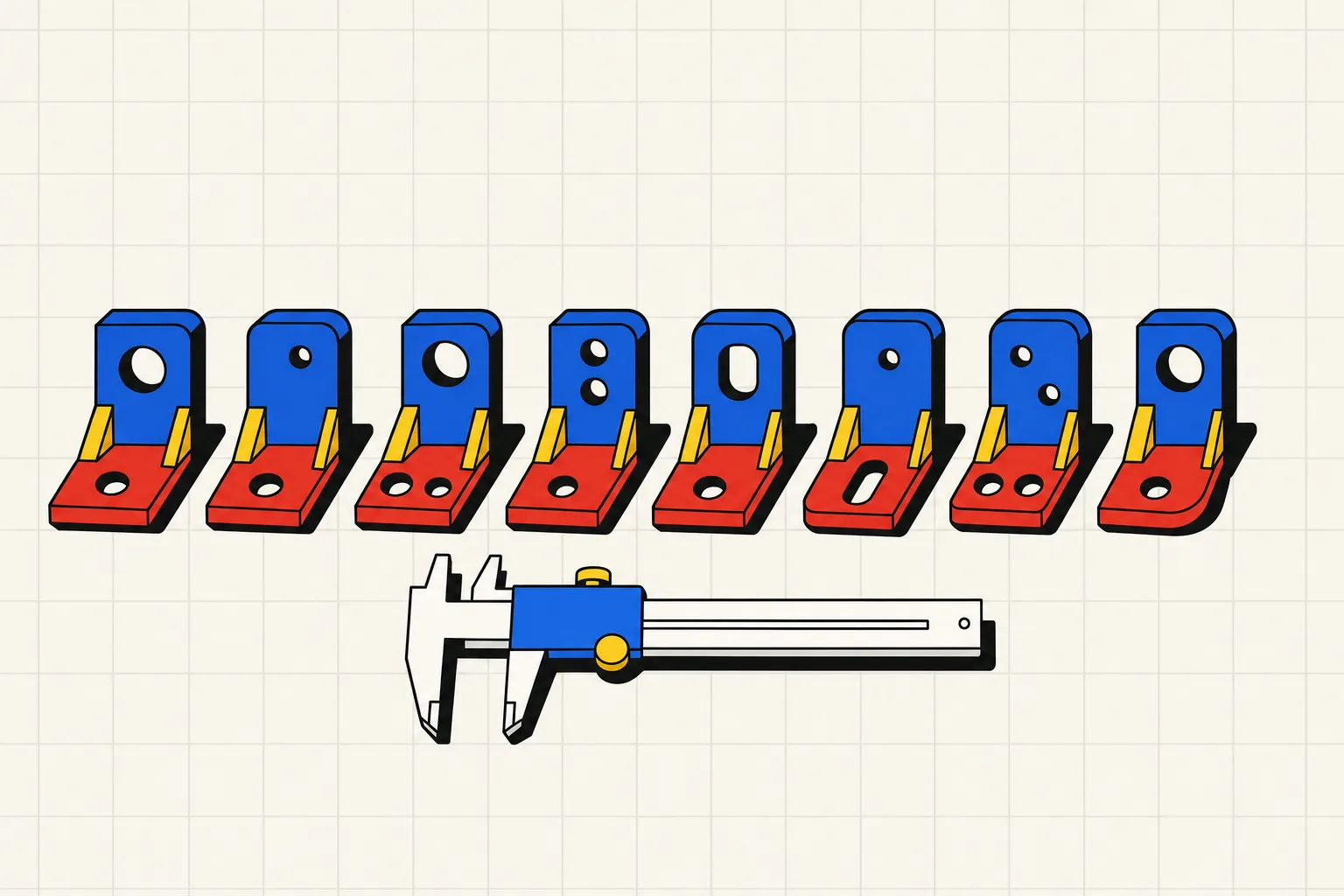
If you need a part with real dimensions that you can print or machine, pick a tool that outputs solid geometry with editable parameters and exports STEP: Zoo, Ragnar, TextoCAD or Type Parts. If you want a statue or a concept render, a mesh generator like PrintPal will get there faster. Adam sits in between, generating OpenSCAD code with sliders but no STEP.
We did not run these tools ourselves. This comparison is built from each product's own pages, read on 4 September 2026, plus two published hands-on tests: Xometry Pro's "We Tested 7 Text-to-CAD Tools" and RapidDirect's "Best 8 AI CAD Tools". Where a page does not state something, the table says so.
The comparison table
| Tool | Generation approach | Editable parameters | Exports | Free tier | Price | Source |
|---|---|---|---|---|---|---|
| Zoo (Zookeeper in Zoo Design Studio) | Code (KCL) on a B-rep engine | Yes, sliders and text edits | STEP, STL, glTF/GLB, OBJ, PLY | $0, 20 minutes of Zookeeper reasoning per month | Plus $20/mo (402 min), Pro $99/mo (unlimited) | zoo.dev/pricing, docs export page |
| Adam (CADAM) | Code (OpenSCAD) | Yes, sliders | STL, SCAD, DXF | $0, "light daily quota", lite model only | Pro $40/mo, Max $200/mo | adam.new/pricing, CADAM README |
| TextoCAD | Parametric B-rep, feature tree | Yes, sliders | STEP, STL | 2 generations after sign-in | Starter $7.99/mo (50), Pro $18/mo (123), Business $49.99/mo (350) | textocad.com/pricing |
| PrintPal | Mesh (diffusion) | Not stated; "advanced parameters" on paid plans | STL, OBJ, GLB, PLY | 10 basic generations per month | Pro $10/mo (200), Studio $25/mo (500) | printpal.io/pricing |
| CADScribe | Not stated | Not stated | STEP, STL (per Xometry) | Not stated on site; Xometry reports 10 free prompts | Not stated on site; Xometry lists $4.99/mo | cadscribelabs.com, Xometry |
| Leo AI | Knowledge-driven assembly design, integrates with SolidWorks, Fusion, NX | Not stated | Not stated on site; Xometry's free-plan test got PNG only | Not stated | Not stated on its site; reviews quote $15 and $49 | getleo.ai, Xometry, RapidDirect |
| Ragnar | B-rep | Yes, conversational edits and face references | STL, STEP, DXF | 15 credits per month | Pro from $10/mo at $0.50 per credit | ragnar.build |
| Type Parts | Code (build123d) on a B-rep kernel, run and checked. Mechanical parts only: single parts and assemblies up to 4 parts, no organic shapes | Yes, sliders | STL (Hobby and up), STEP (Maker and up) | 1 part, no account; 4 credits at signup | Hobby $15/mo (25), Maker $49/mo (80), Pro $119/mo (250) | typeparts.com/pricing |
Prices are USD, before tax, as listed on 4 September 2026.
Three ways a tool can turn words into a part
Every tool on this list does one of three things behind the prompt box.
Mesh generation. A diffusion model produces a cloud of triangles. Organic shapes come out well, dimensions do not. There is no 8.00 mm hole in a mesh, only a ring of triangles that is roughly 8 mm across. You get STL, sometimes OBJ or GLB, never STEP.
Code generation. A language model writes a script (OpenSCAD, KCL, build123d) and a geometry kernel runs it. Dimensions are exact because they are numbers in the code, and the parameters come free. Whether the result is a true solid depends on the kernel: OpenSCAD makes meshes, while KCL and build123d make B-rep solids that export to STEP.
Direct B-rep generation. The model drives a boundary-representation kernel through features or an API. This is what Ragnar and TextoCAD describe on their pages.
The text-to-CAD guide covers the trade-offs in depth. For a bore, a bolt pattern or a mating face, you want code or B-rep. For a dragon, you want mesh, and the mesh versus parametric comparison ranks those tools.
Zoo
Zoo's text-to-CAD lives inside Zoo Design Studio as an agent called Zookeeper, with "engine-level tools that let the agent inspect, snapshot, and debug geometry while generating production-ready CAD". Zoo builds its own geometry engine and its own CAD language, KCL, so the output is code you can read and a solid you can export. The export docs list STEP, STL, glTF/GLB, OBJ and PLY from the app, with FBX through the API only.
Pricing is by reasoning time, not by part. The free plan includes 20 minutes of Zookeeper per month and unlimited manual modelling. Plus is $20 per month for 402 minutes. Pro is $99 per month for unlimited Zookeeper inside the app. Pay-as-you-go beyond the allowance is $0.0083 per second if you turn it on. The free, Plus and Pro plans train on your data unless you opt out.
Xometry's test, on the free plan in mid-2026, found Zoo "delivered accurate and editable 3D models" for a 20 mm cylinder, with sliders that adjusted "in real time". It "failed to produce an accurate model" for a 24-tooth gear and "could not generate a result at all" for a manifold block. RapidDirect's verdict was similar: good for "custom brackets, pins, and standardized fasteners", and "fails to resolve complex, nested mechanical assemblies".
Best for: engineers who want a full CAD application with an agent in it, and who will finish the harder parts by hand in the same tool.
Adam
Adam has two products. CADAM is the text-to-CAD web app, open source on GitHub, which writes OpenSCAD from a description and exposes the dimensions as sliders. The README lists exports as STL, SCAD and DXF. The company's newer product is a copilot inside SolidWorks, Onshape and Fusion that edits models, BOMs and drawings.
The pricing page at adam.new lists three plans. Free is $0 with a "light daily quota" and a "lite model only". Pro is $40 per month with "usage resets weekly". Max is $200 per month with "5x usage of Pro". Both published reviews list older, lower prices, so trust the live page.
Xometry rated Adam highest for accuracy among the tools it tested. Its 20 mm cylinder and 24-tooth gear "were generated accurately, with listed editable parameters", and the manifold block came out "in a simplified form but included fillets and customizable channels". The limit is the format. OpenSCAD means STL and SCAD, not STEP, so a machine shop gets a mesh.
Best for: hobbyists who already think in OpenSCAD and want a head start on the script, and teams who want the copilot inside their existing CAD.
TextoCAD
TextoCAD's homepage says you "get an editable parametric CAD package back: dimension sliders, a feature tree, and browser-side editing", then "export STEP or STL".
The free tier is 2 generations after you sign in. Slider edits and STEP or STL export never cost a generation. The pricing page lists Starter at $7.99 per month for 50 generations, Pro at $18 for 123 and Business at $49.99 for 350. Unused generations roll over.
Neither review tested TextoCAD, so there is no independent read on accuracy.
Best for: the cheapest STEP-exporting option per generation, if two free tries convince you.
PrintPal
PrintPal is a mesh generator with a "Text-to-CAD mode". The product page promises "print-ready 3D models in seconds" from text or images. The pricing FAQ describes paid-plan parameters as "control over model resolution, increased diffusion steps", which tells you the engine is diffusion, not a CAD kernel.
Free is 10 basic generations per month with STL and OBJ export. Pro is $10 per month for 200 generations, Studio is $25 for 500. Paid plans add GLB and PLY. There is no STEP anywhere on the pricing page, and no mention of dimension sliders.
That makes PrintPal the right tool for figures, ornaments and toys, where the silhouette matters more than the hole spacing, and the wrong tool for a bracket. The mesh versus parametric guide explains why.
Best for: decorative prints and quick concept meshes at the lowest price on this list.
CADScribe
CADScribe's site is a single page with a prompt box and the example "Create a 3x5 inches filetted faceplate, 0.25 inches thick and with 4 holes in the corners". It states no prices, no formats and no free-tier limits.
The published tests fill some of that in. Xometry describes "a browser-based AI tool that turns short text prompts into 3D CAD models in STEP or STL format", with a free tier "limited to 10 prompts/messages" and a paid plan at $4.99 per month. It "performed well" on the cylinder, but on the gear "geometry did not match the request", and on the manifold "input length restrictions cut off key details from the prompt". Fabbaloo's earlier hands-on found generation took "only 10-15 seconds" and that a failed prompt returned a 3D model of the word "fail".
Best for: a quick, free test of a simple plate or cylinder. Confirm the current price and formats inside the app before relying on it.
Leo AI
Leo AI is not a text-to-CAD tool in the sense of the others here, and its site does not claim to be. The homepage pitches a "patented Large Mechanical Model" that "finds formulas, runs calculations, and reuses existing parts to build complete assemblies", grounded in your PLM data. Integrations listed are SOLIDWORKS, Inventor, Fusion, NX, Teamcenter and SAP PLM. There is no pricing page.
Xometry filed Leo under "Visual-Only Tools" after its free-plan test produced "multiple rendered images for each request" with "no STEP, STL, or editable 3D models", and listed Pro at $15 per month. RapidDirect says commercial tiers "start at $49/month". The two numbers disagree and the site states neither.
Best for: engineering teams inside SolidWorks or NX who want calculations and part reuse, not a solo maker who wants a file tonight.
Ragnar
Ragnar describes itself as "Text to CAD for functional parts and assemblies: enclosures, mounts, adapters, brackets, multi-part mechanisms". The page says it "produces real B-Rep geometry with STEP and STL export", plus DXF "with clean layers for your plasma or laser table". Edits are conversational ("Make the pins thinner"), with face references like "@bracket.face" when you need to point at exact geometry.
The free plan is 15 credits per month with export to all formats. Pro starts at $10 per month at $0.50 per credit, with a one-month rollover. The page does not say how many credits a generation costs.
Neither review tested Ragnar, so accuracy is unverified here. The feature list is the closest on this page to Type Parts.
Best for: makers who want STEP and DXF from one tool and are happy editing by conversation rather than sliders.
Type Parts
Type Parts is our product, so read this section with that in mind. You describe a mechanical part in plain words. Claude writes a build123d script with a parameter block and a set of checks, a sandbox runs it, and any error goes back to the model for up to four rounds. You see the checklist, the parameters become sliders, and you download STL or STEP.
The first part is free with no account. Signing up gives 4 credits. Paid plans start with Hobby at $15 per month for 25 credits and STL export. Maker is $49 for 80 credits with STL and STEP. Pro is $119 for 250 credits. A top-up of 25 credits is $15. One credit is one part or one chat change. Questions, retries and slider moves are free.
On accuracy we can only cite the product's own harness, which is not an independent test. On 3 September 2026 that harness built 21 of 22 single-part prompts at medium effort with a median model time of 55 seconds, and 38 of 40 prompts in the assemblies set. Assemblies are capped at four parts.
The limits are real. Type Parts makes mechanical parts: brackets, gears, adapters, enclosures, knobs. It does not do organic shapes or characters. It is not a CAD application, so there is no sketching and no importing your existing models. If a part is beyond what a script can describe, you find out in the checklist rather than in a bad print.
Best for: someone who needs a specific mechanical part with exact dimensions today, and wants STEP for the shop or for editing next year without learning Fusion.
How to choose by what you are making
A bracket, adapter, spacer or mount with real hole positions. Zoo, Ragnar, TextoCAD or Type Parts. All four output solids and export STEP. Zoo if you also want a full CAD app; the other three if you want the part and nothing else.
A gear, knob or threaded cap. Adam's 24-tooth gear was the best Xometry saw, but you get a mesh. Type Parts and Ragnar export STEP for the same parts. Zoo failed the gear in Xometry's free-plan test.
A figure or anything organic. PrintPal. None of the parametric tools here will make a good cat.
Editing a part that already exists in SolidWorks, Onshape or Fusion. Adam's copilot or Leo AI. The text-to-CAD tools start from a blank page.
A two- to four-part assembly that has to fit together. Ragnar, Type Parts, or Zoo, whose pricing table lists assemblies on every plan. The mesh tools cannot do it.
You are not sure the tool can make your part. Try the free tiers in this order: Type Parts (one part, no account), CADScribe, Ragnar (15 credits), Zoo (20 minutes), TextoCAD (2 generations). That costs nothing.
Whichever you choose, ask for STEP if you can get it. The STL versus STEP comparison explains why an STL is a dead end the moment you want to change one dimension. And if your plan was to ask ChatGPT for the code and run it yourself, read what happens when ChatGPT writes a CAD file first.
The verdict on text-to-CAD tools
For a mechanical part with exact dimensions, use a tool that generates solid geometry, exposes the dimensions as parameters and exports STEP: Zoo, Ragnar, TextoCAD or Type Parts. Zoo is the pick if you want a full CAD application with the agent inside it, at $99 per month for unlimited use. TextoCAD is the cheapest STEP exporter at $7.99 per month for 50 generations. Ragnar adds DXF for laser and plasma tables. Type Parts runs and checks every script before you see it, and gives one free part with no account. Adam generates the most accurate gears in Xometry's published test but outputs OpenSCAD and STL, not STEP. For organic shapes, ornaments and figures, use PrintPal, a mesh generator at $10 per month. Leo AI and Adam's copilot are for engineers editing models that already exist in SolidWorks, Onshape or Fusion, not for making a new part from a sentence.